
DTF Printer Maintenance: A Complete Guide
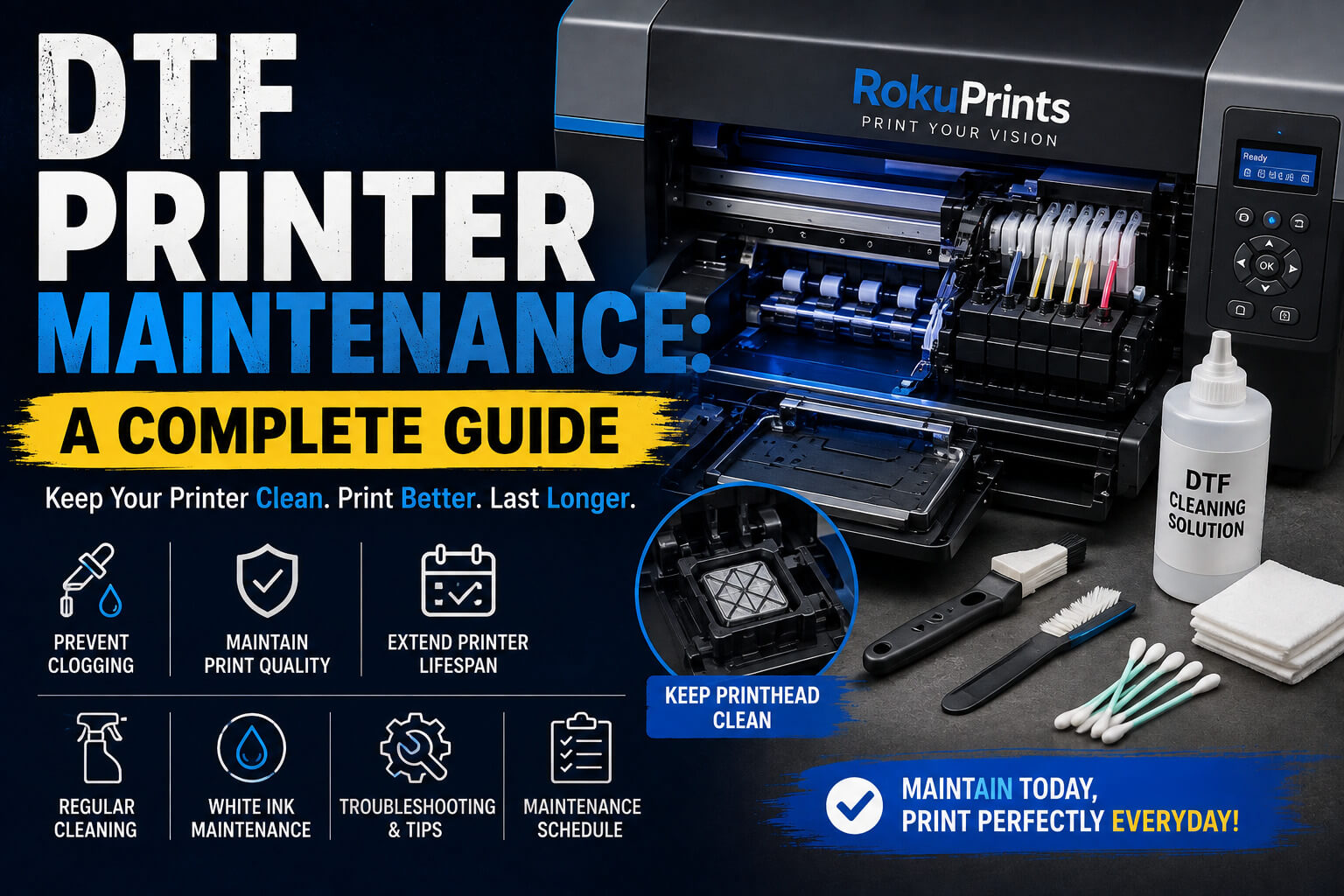
DTF Printer Maintenance: A Complete Guide
A DTF printer can produce vibrant, detailed transfers for T-shirts, hoodies, bags, and other apparel. However, like any printing equipment, it needs regular care to deliver consistent results. Without proper maintenance, issues such as clogged printheads, poor ink flow, missing colors, banding, and reduced print quality can occur.
That is why DTF printer maintenance should be part of your regular printing routine rather than something you do only when a problem appears.
In this guide, we’ll explain how to maintain a DTF printer, how often you should clean it, how to care for white ink, how to prevent printhead clogging, and which common maintenance mistakes you should avoid.
Why Is DTF Printer Maintenance Important?
Regular maintenance helps keep your printer working reliably and can reduce unexpected downtime. DTF printers use specialized inks, including white ink, which requires particular attention because it can settle when it remains unused.
Proper maintenance can help:
- Prevent printhead clogging
- Maintain consistent print quality
- Keep ink flowing properly
- Reduce ink buildup and residue
- Maintain white ink performance
- Identify problems before they become serious
- Reduce unexpected printer downtime
- Extend the useful life of important printer components
A good maintenance routine does not necessarily need to take a long time. Small checks and cleaning tasks performed regularly can make a significant difference over time.
DTF Printer Maintenance Checklist
A simple maintenance checklist can help you avoid forgetting important tasks. Your exact routine should always follow the recommendations provided by your printer manufacturer.
Daily Maintenance
If you use your DTF printer regularly, consider checking:
- Ink levels
- White ink circulation or agitation system
- Nozzle check results
- Ink lines for visible issues
- Printhead area for ink buildup
- Capping station and wiper for visible residue
- Printer surroundings for dust and DTF powder
If your printer has a built-in white ink circulation system, use it according to the manufacturer’s recommended procedure.
Weekly Maintenance
Depending on your printer and workload, weekly maintenance may include:
- Cleaning accessible printer components
- Inspecting the capping station
- Cleaning the wiper
- Checking ink lines and connections
- Inspecting the waste-ink system
- Checking for dried ink or residue
Monthly or Periodic Maintenance
More detailed maintenance may include:
- Inspecting ink delivery components
- Checking dampers and other consumable parts
- Cleaning areas that accumulate ink or dust
- Inspecting the printer for powder contamination
- Performing manufacturer-recommended maintenance procedures
The frequency can vary depending on the printer model, ink system, workload, and operating environment.
How to Clean a DTF Printer
Cleaning is one of the most important parts of DTF printer maintenance. However, different DTF printers have different designs and cleaning procedures, so always follow the instructions for your specific machine.
1. Prepare the Printer
Before cleaning, follow the printer manufacturer’s recommended shutdown or maintenance mode procedure.
Use the appropriate cleaning solution, lint-free materials, and other tools recommended for your printer. Avoid using household cleaners or unsuitable chemicals because they may damage sensitive components.
2. Clean the Printhead Area
The printhead is one of the most important and sensitive parts of a DTF printer.
Ink residue can accumulate around the printhead area and may eventually affect printing performance. Cleaning should therefore be performed carefully and according to the manufacturer’s instructions.
Avoid touching the printhead surface unnecessarily or using excessive force. Incorrect cleaning can cause more damage than the original problem.
3. Clean the Capping Station
The capping station plays an important role in protecting and maintaining the printhead when the printer is not actively printing.
Over time, ink residue can accumulate around the capping station. Keeping this area clean can help maintain proper contact and support the printer’s cleaning and resting cycles.
Inspect the capping station regularly and remove buildup using the recommended cleaning method for your machine.
4. Clean the Wiper Blade
The wiper helps remove excess ink from the printhead area during the printer’s cleaning process.
Ink can build up on the wiper over time. If the wiper becomes dirty or damaged, it may not clean the printhead properly.
Inspect it regularly and clean or replace it according to the manufacturer’s recommendations.
5. Clean Accessible Areas
Ink, dust, and DTF powder can accumulate around the printer during normal operation.
Keep accessible surfaces and surrounding areas clean. Pay particular attention to areas where powder or dust could potentially enter the printer.
A clean working environment can help reduce contamination and make routine maintenance easier.
White Ink Maintenance: A Critical Part of DTF Printer Care
White ink deserves special attention in DTF printing.
Unlike many colored inks, white ink contains white pigment particles that can settle over time. If the ink is not properly circulated or agitated, the pigment may settle inside the ink system.
Poor white ink maintenance can contribute to:
- Uneven white ink output
- Missing white areas
- Nozzle clogging
- Poor print quality
- Ink flow problems
If your printer includes a white ink circulation or agitation system, use it according to the manufacturer’s instructions.
Regularly check the white ink system and avoid allowing white ink to remain unused for extended periods without following the recommended maintenance procedure.
It is also important to use compatible ink and follow the manufacturer’s recommendations for storage, circulation, and cleaning.
How to Prevent DTF Printhead Clogging
DTF printhead maintenance is essential for maintaining consistent print quality. Prevention is generally better than waiting until the printhead becomes severely clogged.
Here are some practical tips:
Use the Printer Regularly
If the printer is designed for regular use, allowing it to sit unused for long periods can increase the risk of ink-related problems.
Follow the manufacturer’s recommendations for printers that are not used frequently.
Perform Regular Nozzle Checks
A nozzle check can show whether the printhead is firing correctly.
If you notice missing lines, gaps, or inconsistent patterns, investigate the issue before starting a large production run.
Maintain White Ink Properly
Because white ink can settle, proper circulation and maintenance are particularly important.
Keep the Printer Clean
Ink residue, dust, and powder should not be allowed to accumulate around sensitive areas.
Follow the Recommended Cleaning Routine
Don’t wait for a serious print-quality problem before cleaning the printer. Regular preventive maintenance is usually easier than dealing with a major blockage.
Use Compatible Consumables
Use inks, films, cleaning solutions, and other consumables that are suitable for your specific printer and ink system.
DTF Printer Maintenance Schedule
A simple schedule can make maintenance easier to manage.
Frequency | Maintenance Task |
Daily | Check ink levels and perform a nozzle check |
Daily | Check white ink circulation according to the printer’s procedure |
Every few days | Inspect ink lines and accessible areas |
Weekly | Inspect and clean the capping station and wiper as recommended |
Weekly | Check for ink, dust, or powder buildup |
Monthly | Perform a more detailed inspection and cleaning |
Before long-term shutdown | Follow the manufacturer’s storage procedure |
After long downtime | Inspect the printer and perform recommended cleaning before printing |
This is a general guide rather than a universal schedule. Always prioritize the maintenance schedule supplied with your particular DTF printer.
Common DTF Printer Maintenance Mistakes to Avoid
Even experienced users can sometimes overlook basic maintenance.
Ignoring Nozzle Checks
If you continue printing despite a poor nozzle check, a minor issue can potentially become more difficult to resolve.
Neglecting White Ink
White ink requires regular attention. Allowing it to settle without following the recommended circulation procedure can create printing problems.
Cleaning Only When There Is a Problem
Waiting until the printer stops producing good-quality prints is not a good maintenance strategy. Preventive cleaning is an important part of DTF printer care.
Using the Wrong Cleaning Solution
Not every cleaning solution is suitable for every ink system. Always use the product recommended for your printer or ink.
Touching Sensitive Components
Printheads and other internal components can be delicate. Avoid unnecessary contact and aggressive cleaning.
Ignoring Ink Buildup
Ink buildup around the capping station, wiper, or other accessible areas should not be ignored.
Leaving the Printer Unused Without Preparation
If you know the printer will not be used for an extended period, follow the manufacturer’s long-term storage procedure rather than simply switching it off and leaving it unattended.
DTF Printer Troubleshooting: Common Maintenance Problems
Sometimes a print-quality issue can indicate a maintenance problem.
Missing Lines or Colors
Missing lines in a nozzle check may indicate clogged or poorly firing nozzles. Follow the manufacturer’s recommended cleaning and diagnostic process.
Poor White Ink Output
If white ink is inconsistent, check whether the white ink circulation or agitation system is working correctly and inspect the ink system according to the manufacturer’s instructions.
Banding in Prints
Banding can have several causes, including nozzle problems, incorrect print settings, ink flow issues, or other printer-related factors. Start with a nozzle check and follow the appropriate troubleshooting procedure.
Poor Overall Print Quality
Dirty components, clogged nozzles, incorrect settings, unsuitable media, or ink-flow problems can all affect print quality.
The important thing is not to assume that every printing problem requires aggressive cleaning. Diagnose the issue first and follow the manufacturer’s recommended troubleshooting steps.
DTF Printer Maintenance for Beginners
For beginners, the best approach is to create a simple maintenance routine and follow it consistently.
Start by learning the basic functions of your printer, including nozzle checks, white ink circulation, cleaning cycles, and safe shutdown procedures.
Keep a small maintenance checklist near the printer and record important cleaning or service activities. This can make it easier to identify patterns if a problem develops later.
Most importantly, don’t wait for poor print quality before paying attention to your printer. Regular maintenance is much easier when it becomes part of your normal printing workflow.
Frequently Asked Questions About DTF Printer Maintenance
How often should a DTF printer be cleaned?
The required frequency depends on the printer model, usage, ink system, and manufacturer recommendations. Regular daily checks combined with scheduled cleaning is generally better than waiting for a problem.
How do I clean a DTF printer?
DTF printer cleaning may involve the printhead area, capping station, wiper, ink system, and other accessible components. Always use the cleaning procedure and solution recommended for your specific printer.
How do I prevent DTF printhead clogging?
Regular printer use, nozzle checks, proper white ink maintenance, routine cleaning, and compatible consumables can help reduce the risk of printhead clogging.
Why does DTF white ink need special maintenance?
White ink contains pigment that can settle when it remains unused. Proper circulation or agitation, along with regular maintenance, helps keep the white ink system functioning correctly.
Can I use any cleaning solution for a DTF printer?
No. Cleaning solutions should be compatible with the printer and ink system. Using an unsuitable solution can potentially damage components or affect ink performance.
What should I do if my DTF printer has not been used for a long time?
Follow the manufacturer’s recommended procedure for restarting a printer after extended downtime. Inspect the ink system, perform the required maintenance, and run a nozzle check before beginning production.
Conclusion
Regular DTF printer maintenance is essential for maintaining consistent print quality and reliable printer performance. Simple habits such as checking nozzles, maintaining white ink, keeping the capping station and wiper clean, and monitoring ink flow can help prevent many common problems.
The key is consistency. Instead of waiting until a printer develops clogged nozzles or poor print quality, make maintenance part of your normal workflow.
Whether you are new to DTF printing or running a busy custom apparel business, following your printer manufacturer’s maintenance recommendations and keeping a regular maintenance schedule can help you get more reliable results from your equipment.
For more information about DTF printing, equipment, and printing solutions, explore the resources available from RokuPrints.




Celebrating over two decades of manufacturing excellence in China, Roku Prints is a global leader in delivering cutting-edge printers, including our state-of-the-art DTF printers…
Quick Links
Products
- DTF PrintersDirect-to-Film (DTF) printing is a super popular method for creating high-quality, full-color transfers that can be applied to shirts and other garments. If you’re looking for a DTF printing machine for shirts, here’s a quick rundown of what to consider, plus some top options to check out in 2025.
- UV Printers
- DTF Accessories
- Printing Solutions
- Sublimation Printers
Contact Information
 Noida Rd, E-07, Basement floor, Noida, Uttar Pradesh 201301
 +91-9560108015, 9560028016, 9212382730
 info@rokuprints.com
Copyright © 2026 Roku prints. All Rights Reserved.